INFORMATION
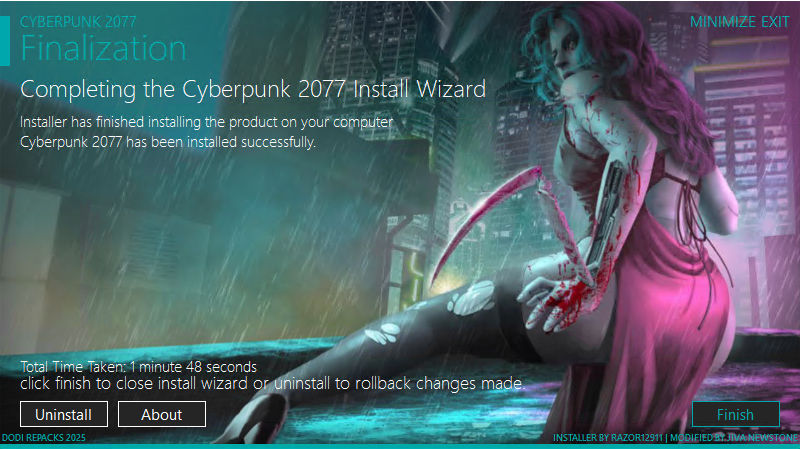
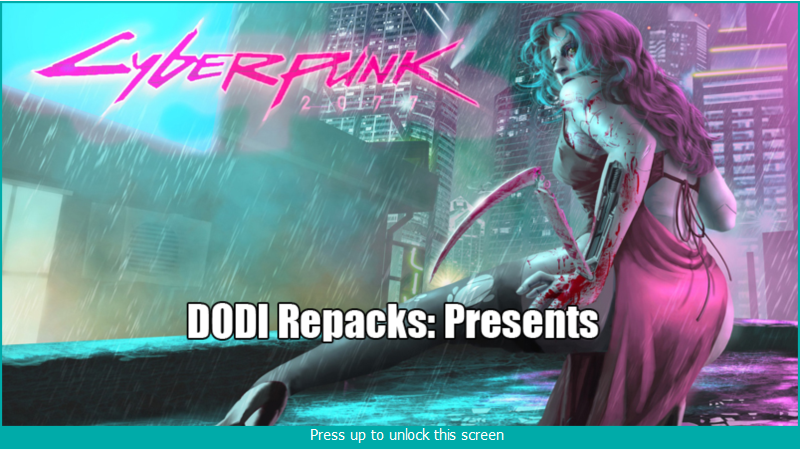
TITLE: Cyberpunk 2077
GENRE: RPG
DEVELOPER: CD PROJEKT RED
PUBLISHER: CD PROJEKT RED
RELEASE DATE: 10 Dec, 2020
SYSTEM REQUIREMENTS:
MINIMUM:
- Requires a 64-bit processor and operating system
- OS: 64-bit Windows 10
- Processor: Core i7-6700 or Ryzen 5 1600
- Memory: 12 GB RAM
- Graphics: GeForce GTX 1060 6GB or Radeon RX 580 8GB or Arc A380
- DirectX: Version 12
- Storage: 153 GB available space
- Additional Notes: SSD required. Attention: In this game you will encounter a variety of visual effects that may provide seizures or loss of consciousness in a minority of people. If you or someone you know experiences any of the above symptoms while playing, stop and seek medical attention immediately.
[collapse]
GAME DESCRIPTION:
Cyberpunk 2077 is an action-adventure RPG set in the metropolis of Night City, where power, luxury and body modification are prized above all else. You play as V, a mercenary in search of a device that allows you to gain immortality. You can change cyber-implants, skills and play style of your character, exploring the open world, where your actions affect the course of the plot and everything that surrounds you.
Game features:
• Become a cyberpunk – an implant-equipped mercenary – and make a name for yourself on the streets of Night City.
• Explore the vast world of Night City, which looks brighter, more complex and deeper than anything you’ve seen before.
• Take on the most dangerous task in your life and find a prototype of the implant, allowing you to gain immortality.
[collapse]
How to install
1- Run the installer as administrator
2- Click on page
3- Press the up arrow on your keyboard
4- Click Install
5- Click Continue
6- Select installation destination
7- Click Next
8- Select component
9- Install
[collapse]
Repack Features
Based on :
– Cyberpunk.2077.Phantom.Liberty.v2.5-RUNE
– Language Packs, thanks to Gh0sT73 / AR-81
– Cyberpunk 2077 Soundtrack Collection, By E IL o T IR i X
Game version: v2.5 – Edgerunners 2 Update
DLCs:
1495710=Cyberpunk 2077 Bonus Content
2060310=Cyberpunk 2077 REDmod
2138330=Cyberpunk 2077: Phantom Liberty
2441600=Phantom Liberty: Quadra “Vigilante” Pre-Order Bonus
Bonus Content:
– avatars, posters, wallpapers, sourcebook, short story, Soundtrack Collection
Soundtrack Collection
– Cyberpunk 2077 (Original Score EP)
– Cyberpunk 2077 (Original Score)
– Cyberpunk 2077 Radio, Vol. 1 (Original Soundtrack)
– Cyberpunk 2077 Radio, Vol. 2 (Original Soundtrack)
– Cyberpunk 2077 Radio, Vol. 3 (Original Soundtrack)
– Cyberpunk 2077 Radio, Vol. 4 (Original Soundtrack)
– Cyberpunk 2077 More Music from Night City Radio (Original Soundtrack)
– Cyberpunk 2077 – Phantom Liberty (Original Score)
– Cyberpunk 2077 [89.7 Growl FM]
– Cyberpunk 2077 [107.5 Dark Star Radio]
– Singles: 4ÆM, Chippin’ In, Never Fade Away, The Ballad of Buck Ravers, A Like Supreme, Black Dog, Archangel, The Phantom Files
Language :
– Text: English, French, Italian, German, Spanish – Spain, Arabic, Czech, Hungarian, Japanese, Korean, Polish, Portuguese – Brazil, Russian, Simplified Chinese, Spanish – Latin America, Thai, Traditional Chinese, Turkish, Ukrainian
– Audio : English, French, Italian, German, Spanish – Spain, Japanese, Polish, Portuguese – Brazil, Russian
– You can change the language in game settings
– English Language is included in main repack by default – not optional
Selective Download Feature : you can skip downloading and installing Language Packs you don’t need and Bonus Content
Repack Size : From 67.7 GB
Final Size : 145 GB
Lossless repack Nothing removed OR re-encoded
Install Time : 2 – 10 mins
Greetings : Razor12911, KaOsKrew
Repack By DODI
PZ SEED , DONT HIT & RUN
Backwards Compatibility
This repack is backwards compatible with my previous repack. You can rehash Optional-Bonus-Content.doi file
Download Links
- Don’t download Mega / Mediafire / OneShare / WeUpload / One Drive Links or password files
- Don’t follow pop ad pages, Stay in download page
Torrent – Click Here – or – Click here – or – Click Here –
SwiftUploads – Click Here –
FileKeeper – Click Here –
DataNodes – Click Here –
- All file hosting links are interchangeable